
Example setup · Professional services · Sydney
How a Small Office Could Ring the Front Desk First, Then the Owner’s Mobile, Then the AI
A conveyancer and a receptionist, one 02 landline that every client and agent has, and an owner who is out at settlements half the day. Here is how Click2Call could make the one number ring the front desk first, the owner’s mobile second and the AI last, with what it would cost.
This is a worked example, not a customer story. The business is typical rather than real, the setup uses real Click2Call features, and the prices are current. There are no invented results. Last reviewed: October 2026.
The situation
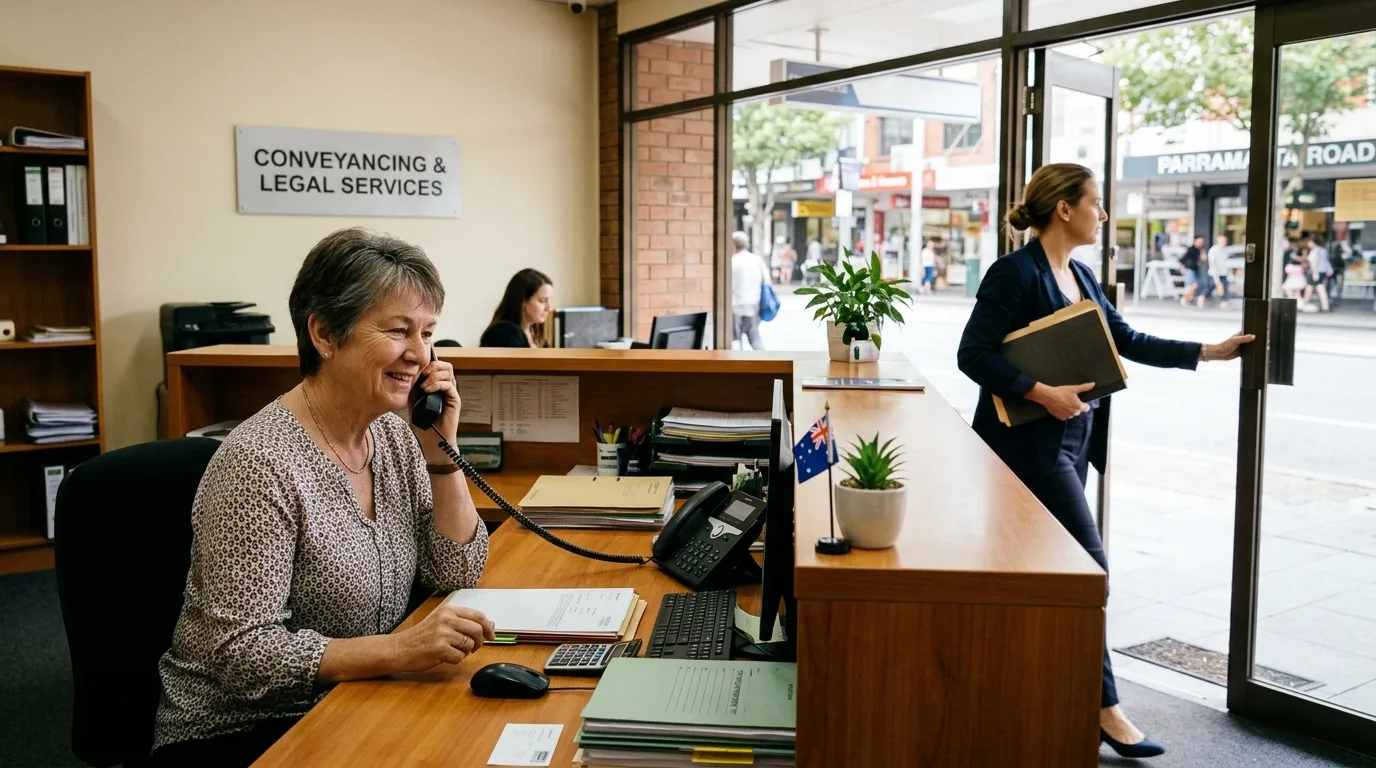
Picture a conveyancing office in Parramatta: the owner, who is the licensed conveyancer, and a receptionist who runs the front desk and the files. The 02 number has been on the signage, the agents’ lists and every contract for eight years, and it sits on a copper landline with a single handset. When the receptionist is on a call, the next caller gets an engaged tone; when she is at lunch, the phone rings out.
The owner is at settlements, banks and agents’ offices most afternoons and misses calls that the receptionist cannot answer. Settlement-day calls in particular cannot wait, and nobody wants a client hearing a mobile voicemail. The owner also wants a record of calls where dates and figures are agreed.
How it would be set up
Everything below is a standard Click2Call setting, done in the portal or by our team with managed setup.
- The 02 number is ported in. Click2Call lodges the port with the current carrier. The number keeps working on the old line until completion day, 5 to 10 business days for a local number, then becomes a $10 a month local business number on the account with unlimited incoming calls. Nothing printed has to change.
- A desk phone on the front desk. A Yealink T43U desk phone arrives pre-configured from Click2Call and plugs into the office internet. The receptionist answers the main number on it as before. The free Click2Call app on her computer is the backup.
- The owner as a user with the app. The owner is a $25 a month Cloud PBX user with 300 outbound minutes and their own direct 02 number. The Click2Call app on their mobile rings for office calls and lets them call clients showing the office number rather than a personal mobile.
- A call flow that tries people in order. In business hours the main number rings the front desk for 20 seconds. If the receptionist is busy or away, it rings the owner’s app for 20 seconds. If nobody answers, the Answer Agent takes the caller’s name, number, matter and message and emails it to both, with a transcript. Callers never hear an engaged tone or a personal voicemail.
- After hours, straight to the AI. Outside 8:30 am to 5:30 pm on weekdays the main number goes straight to the Answer Agent. An agent ringing at 6 pm about a settlement still leaves the details, and the owner reads them that evening.
- Recording on the main number. Recording is switched on for the main number with a notice to callers, and each call has an AI transcript and summary emailed to the owner. Settlement dates and figures agreed on the phone are on record.
- A second call at the same time. Every account starts with two call channels plus one for each user, so a client can be on with the receptionist while an agent is on with the owner, and a third caller still reaches the AI rather than an engaged tone.
How calls flow
A client or agent calls the 02 number
- Click2Call checks the time against business hours.
- In hours, the front desk phone rings for 20 seconds.
- No answer: the owner’s app rings for 20 seconds.
- Still no answer, or after hours: the Answer Agent takes the details and emails both.
- Every answered call on the main number is recorded, and the summary and transcript are emailed when it ends.
The owner calls a client from a settlement
- They dial from the Click2Call app on their mobile.
- Click2Call puts the call onto the Australian phone network.
- The client sees the office 02 number, not a personal mobile.
- The call is recorded and transcribed like any other.
The receptionist’s desk phone and the owner’s app are both extensions on the same account, so either can transfer a call to the other, and the owner can see on the portal whether the front desk is on a call.
What it would cost
| Item | Cost |
|---|---|
| Ported 02 main number with the front-desk extension | $10 a month |
| Owner as a Cloud PBX user with a direct 02 number and 300 outbound minutes | $25 a month |
| Monthly total | $35 ex GST ($38.50 inc GST) |
| Porting the 02 number | $100 inc GST, once |
| Yealink T43U desk phone, configured and posted | $450, once |
| Managed setup (optional) | $300 ex GST, once |
Incoming calls to both numbers are included. Calls out from the front desk on the main number are 10c a minute to landlines and 20c to mobiles; the owner’s 300 minutes cover their calls. The call flow, voicemail to email, business hours, call recording, AI transcription and summaries and the Answer Agent are included at no extra cost. There is no lock-in contract. See Pricing for every rate.
An office that would rather not buy a desk phone can run the front desk on the free Click2Call app on the receptionist’s computer with a headset, and skip the $450.
What changes, and what doesn’t
Callers always reach a person or the AI, never an engaged tone or a mobile voicemail. The owner takes office calls at settlements without giving out a personal number. Calls where dates and figures are agreed have a transcript on file.
What doesn’t change: the number on the signage and the contracts, and the receptionist’s desk phone. The AI takes messages and answers simple questions about the office; it does not give advice on a matter or confirm a settlement date, and the message says a person will call back.
We haven’t put figures on calls saved, because they depend on the office. The portal shows every missed and answered call from the first day.
Before you set it up
- Do not cancel the old landline until Click2Call confirms the port is complete. If the same line carries a fax or an alarm, deal with those first.
- The desk phone needs a wired internet connection at the front desk and about 100 kbps per call. Most office NBN connections handle this comfortably.
- Tell callers when calls are recorded. The caller notice does this on the main number, and your privacy policy should say how recordings are used and kept. Check your professional obligations about recording client calls.
- Decide what the AI may say. Keep it to taking details and office hours; anything about a matter goes to the owner.
- Build the call flow on a temporary number during the free trial, test it from a mobile, then port the 02 number in once it works.
Front desk first, your mobile second, never an engaged tone
Start the 7-day free trial with $11 of credit and build the call flow on a temporary number before you port. No credit card required to sign up, and no lock-in contract.