
Setting Up a Call Flow / IVR
A call flow (also called an IVR or auto-attendant) is a menu system that greets callers and routes them based on the option they press. For example: 'Press 1 for Sales, Press 2 for Support.' This guide walks you through building one.
Select Your Phone Number or Extension
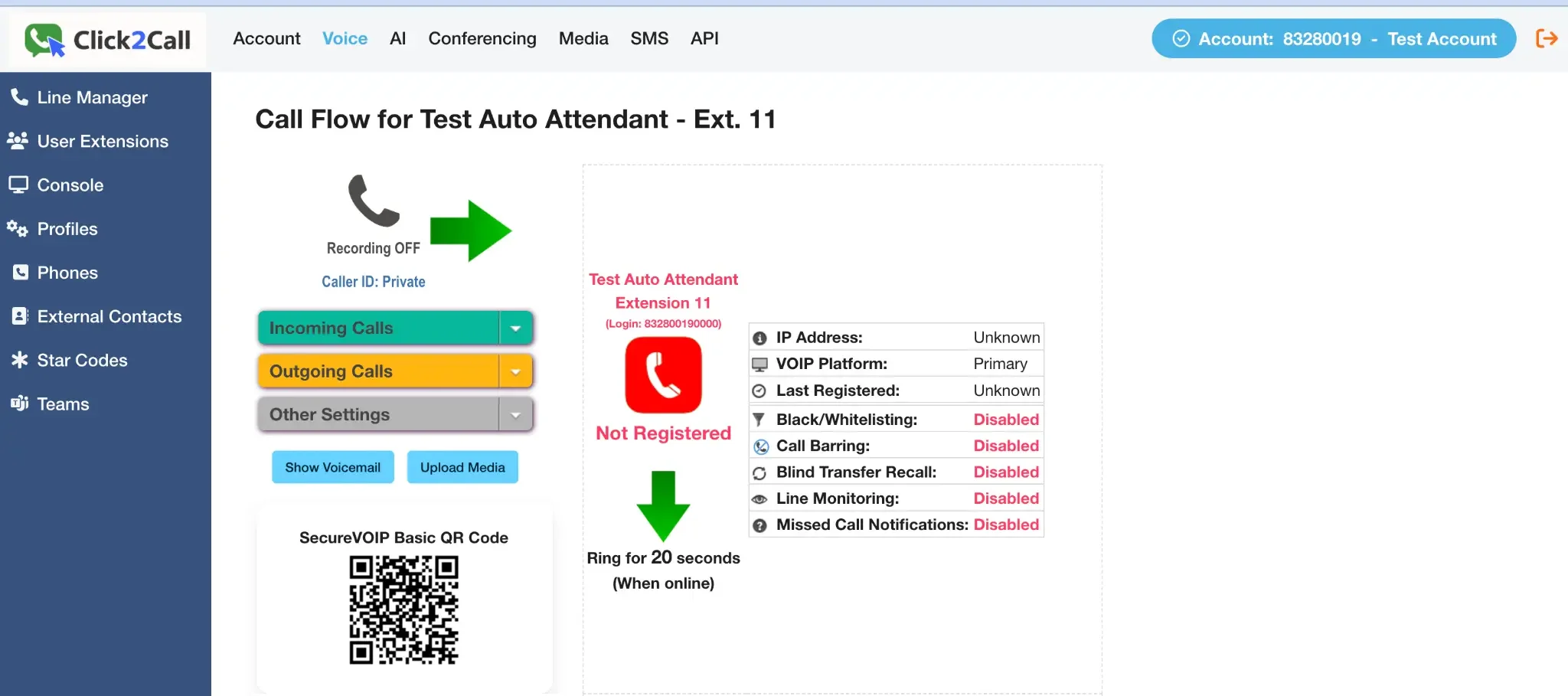
Click the Voice tab in the main navigation. From the left-hand menu, select the specific phone number or user extension you want to configure.
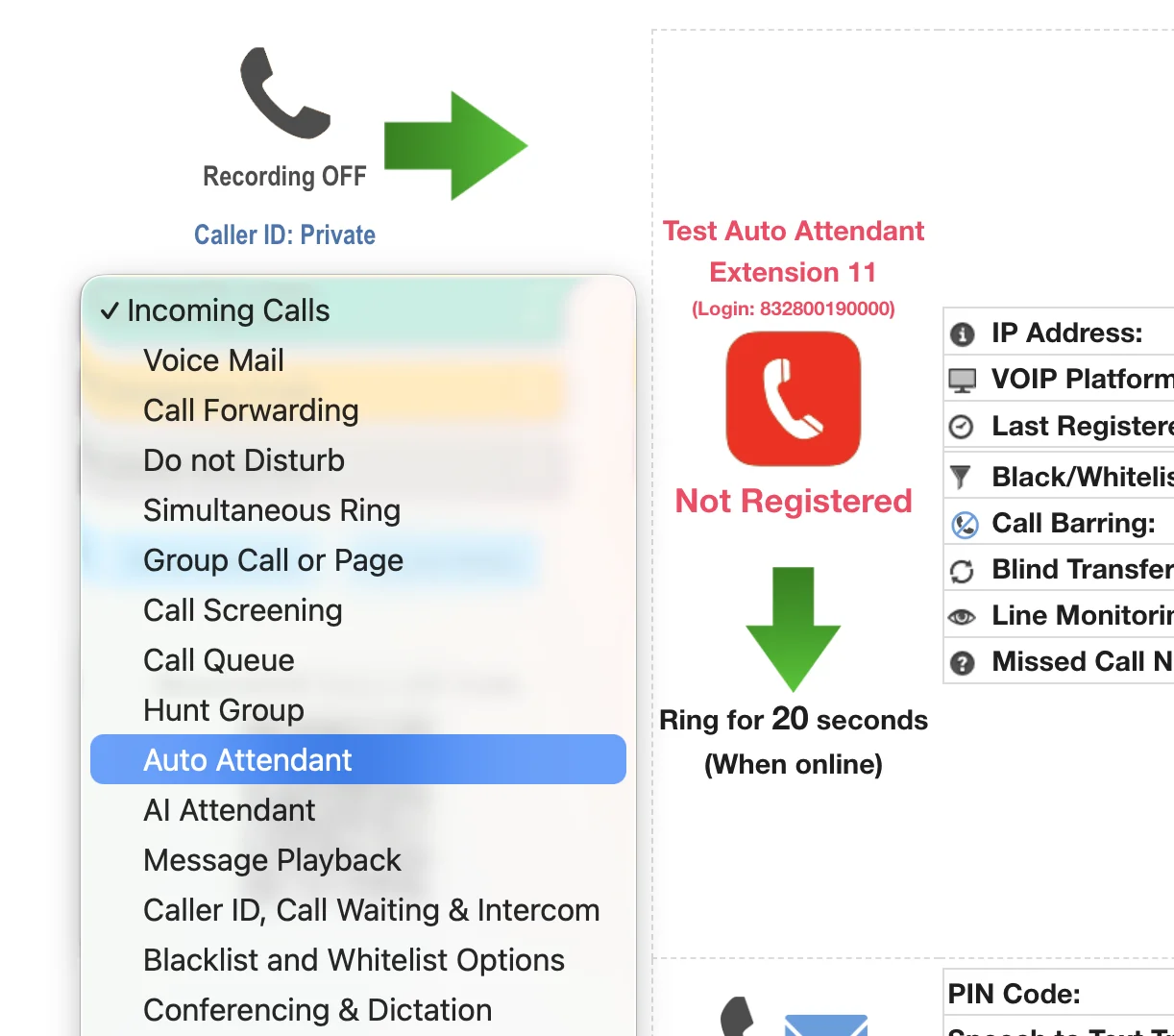
Choose Auto Attendant for Incoming Calls
In the main settings area for your chosen line, find the Incoming Calls dropdown menu and select Auto Attendant from the list of options.
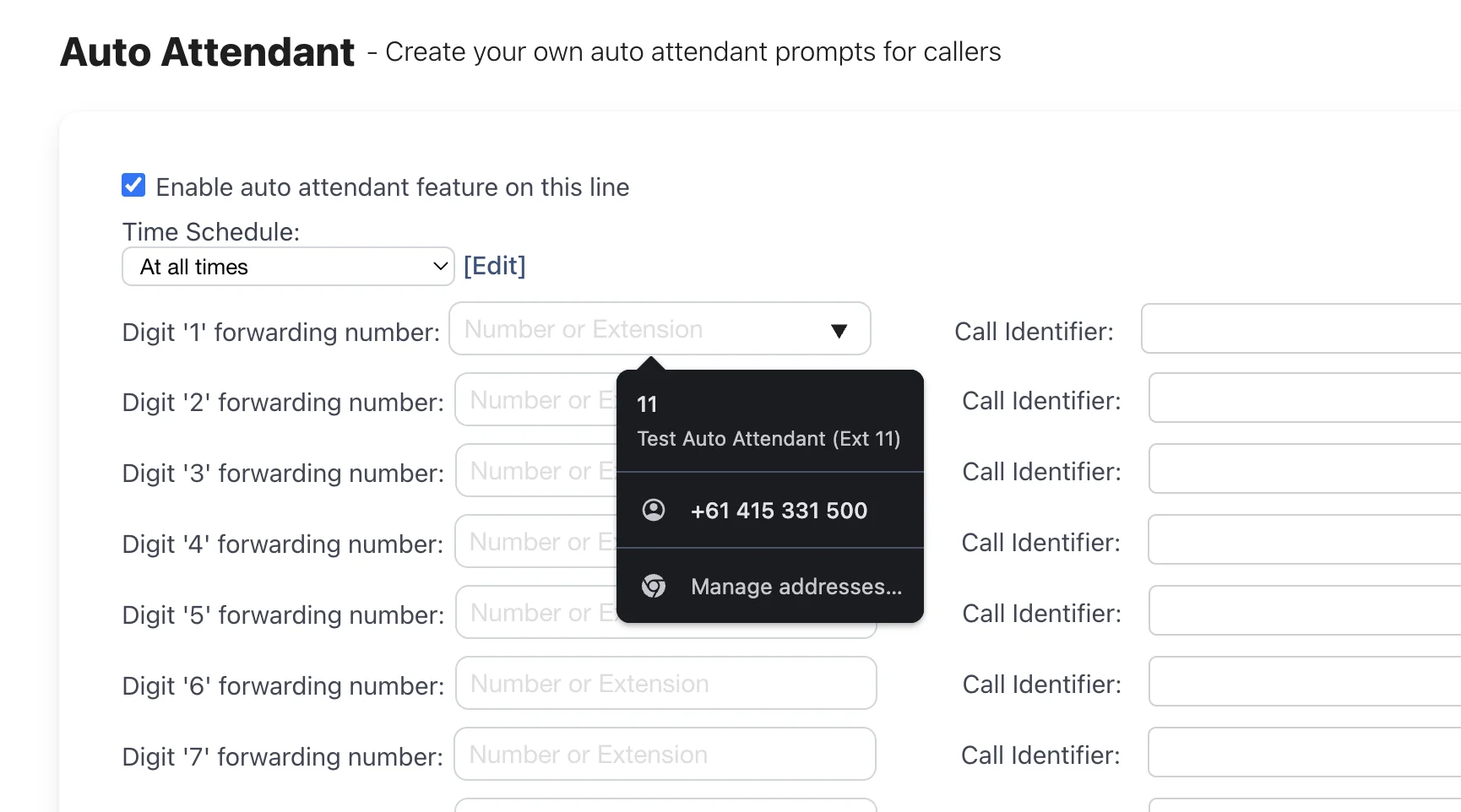
Enable and Program Your Menu Options
Tick the Enable auto attendant feature on this line checkbox. Now you can program the call flow by assigning a destination (like an extension or external number) to each digit (1, 2, 3, etc.). Click Save at the bottom of the page when you are finished.
Set Up Your Greeting Message
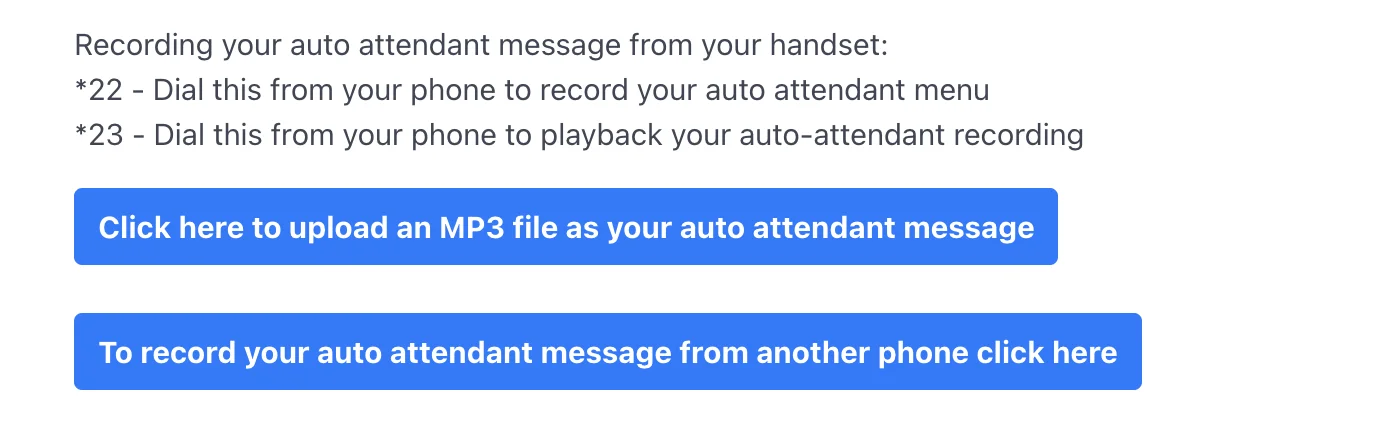
After saving, go back into the Auto Attendant settings. You will now see options to set up your greeting. You have two main choices:
- Record manually: Dial *22 from your handset to record the menu, and *23 to play it back.
- Upload a file: Click the button to upload a pre-recorded audio file.
Uploading a Pre-Recorded Greeting
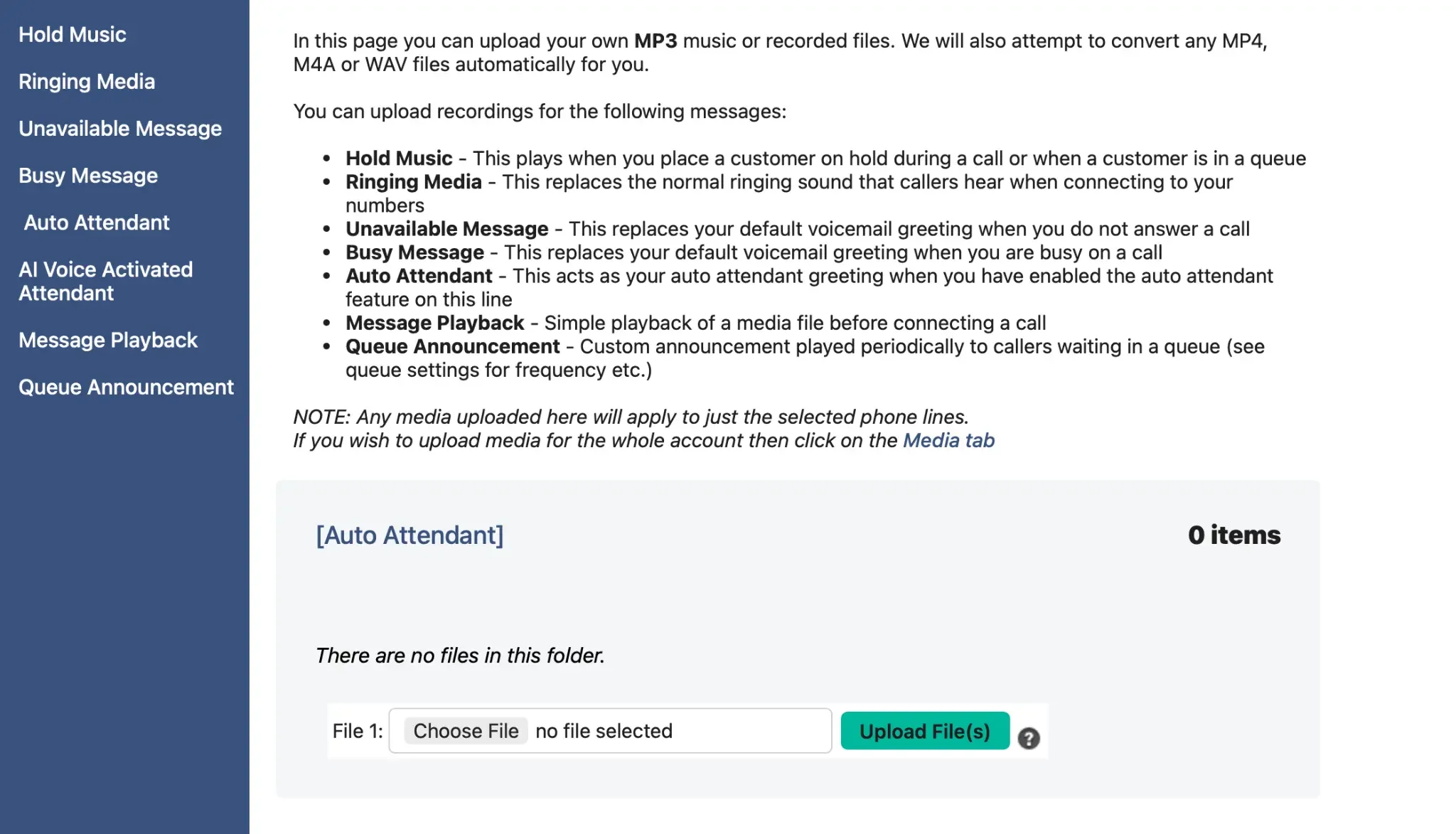
If you choose to upload a file, you will be taken to the Media page. Ensure you are in the Auto Attendant folder, then choose your MP3, WAV, or M4A file and click Upload File(s).
Pro Tip: Use AI Speech to Create Your Greeting
For a professional-sounding message, you can use our built-in AI Speech tool (found under the AI menu) to generate a high-quality recording from text. Simply type your message, generate the voice, and download the audio file to upload here.
Test Your Auto Attendant
Wait a couple of minutes for the settings to apply across the network. Then, call your phone number from an external line (like your mobile) to hear the greeting and test that your menu options route correctly.
Related Guides
Still need help?
Our Australian support team is available to assist you.